
Pine Warbler photographed with the Canon R6 Mark II at ISO256000.
File Size
R6 Mark II files are 33 to 39MB in CR3. In 16-bit, these files are 4000 pixels wide by 6000 high.
R5 files are 42 to 61MB in CR3. In 16-bit, theses files are 5464 wide by 8192 high.
R3 files are 29 to 35MB in CR3. In 16-bit, these files are 4000 pixels wide by 6000 high.
So we get a smaller file than the R5 but the same size as the R3.
High ISO
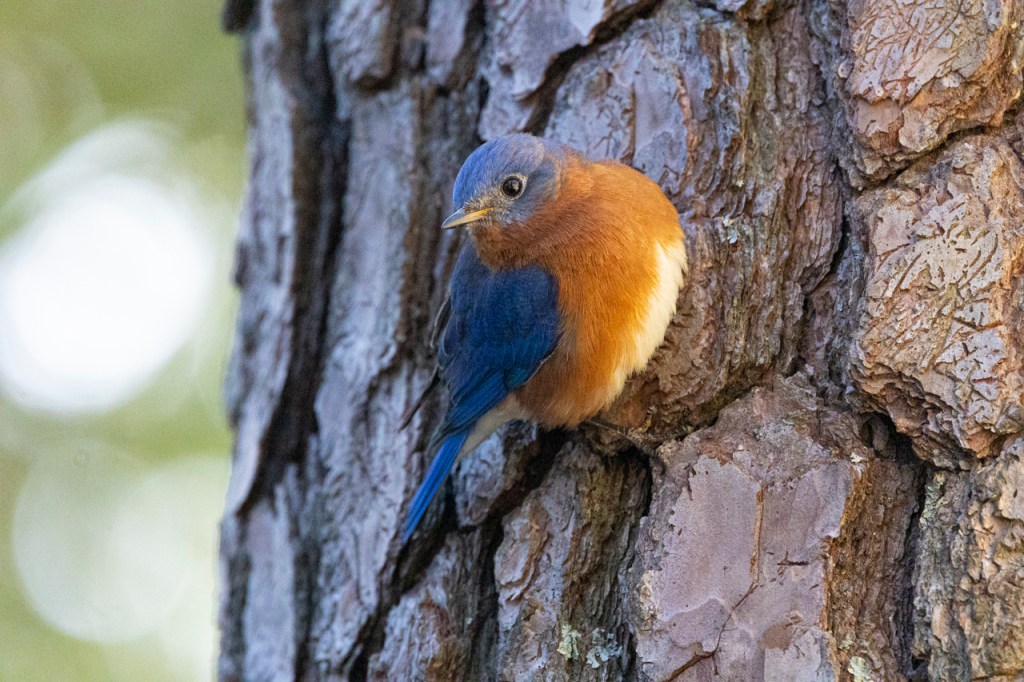

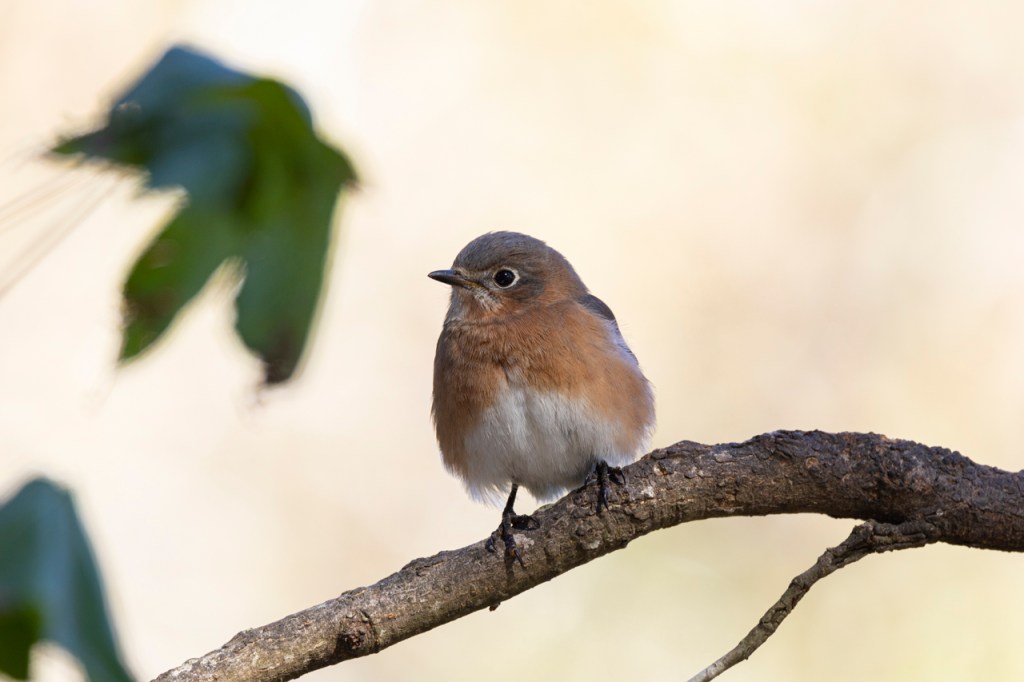
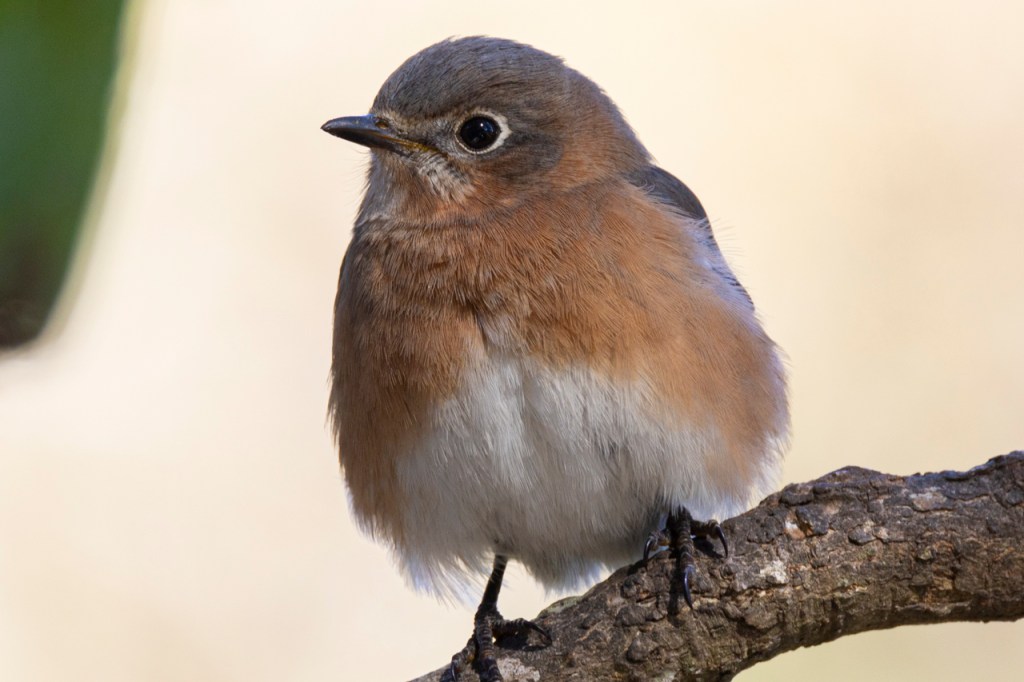
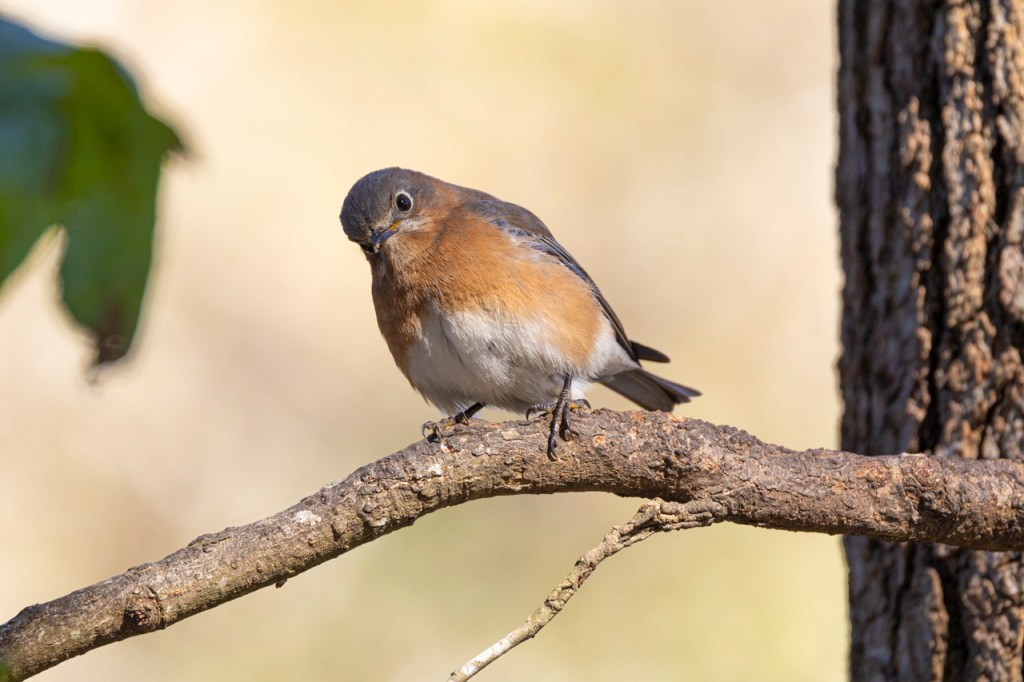

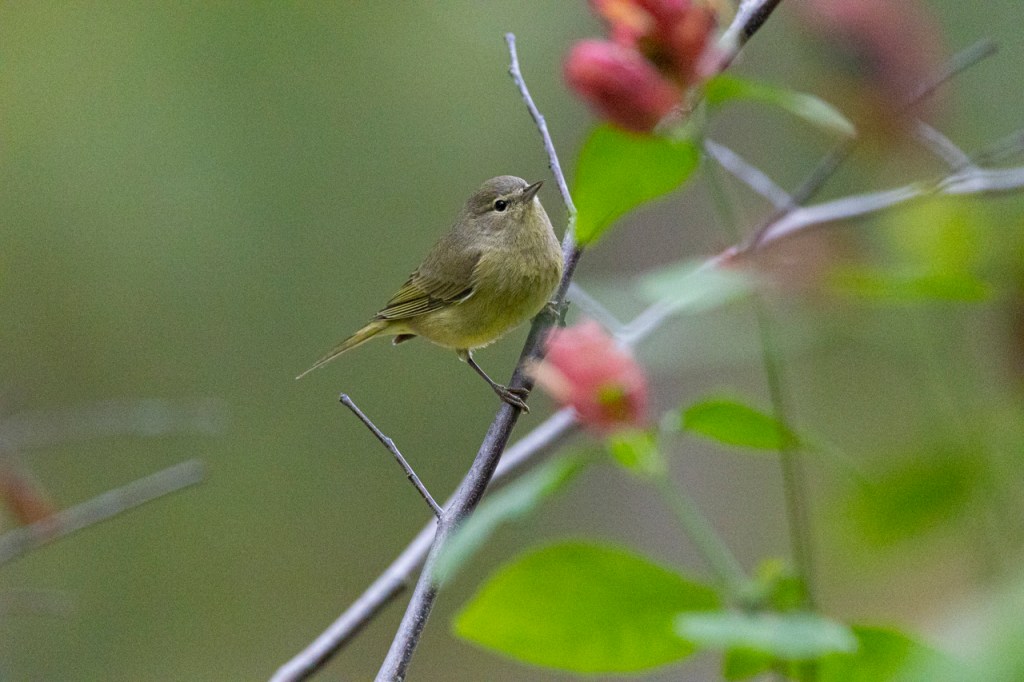

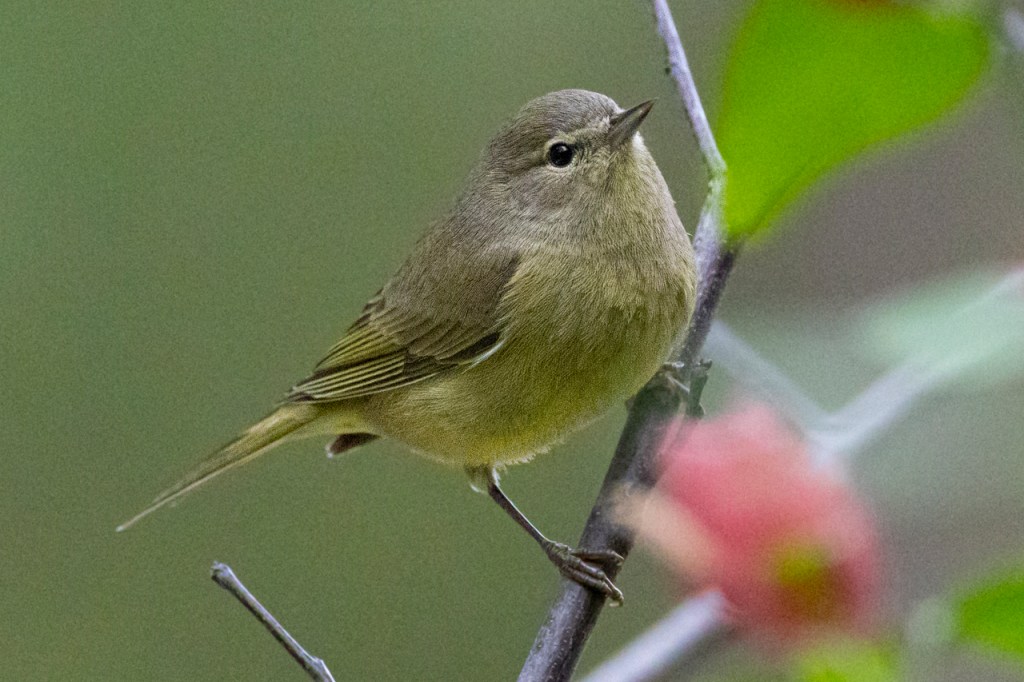
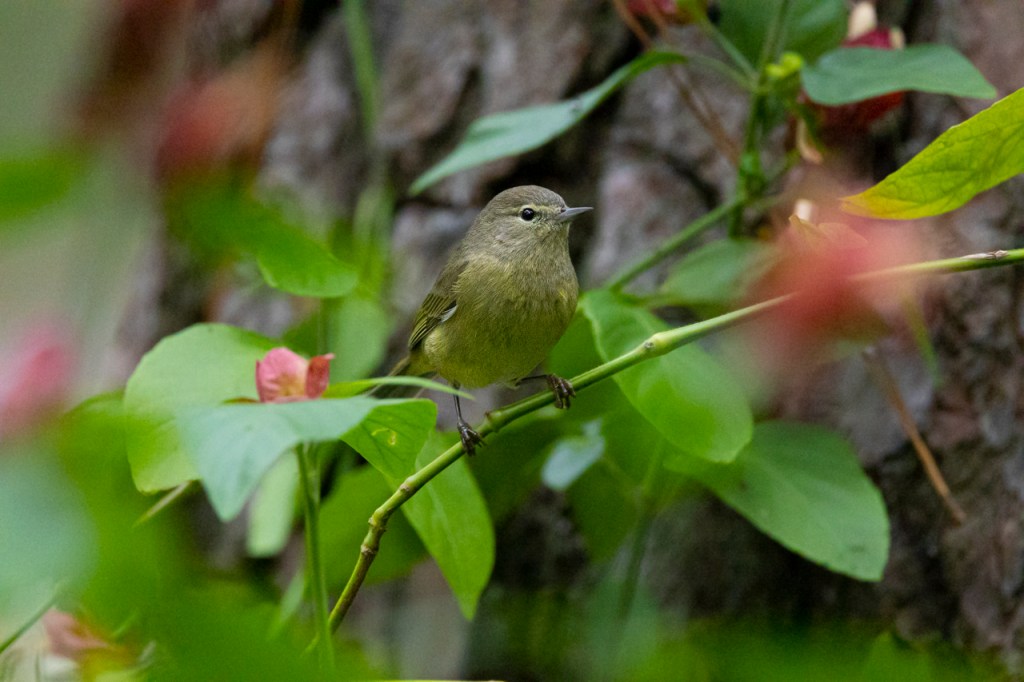
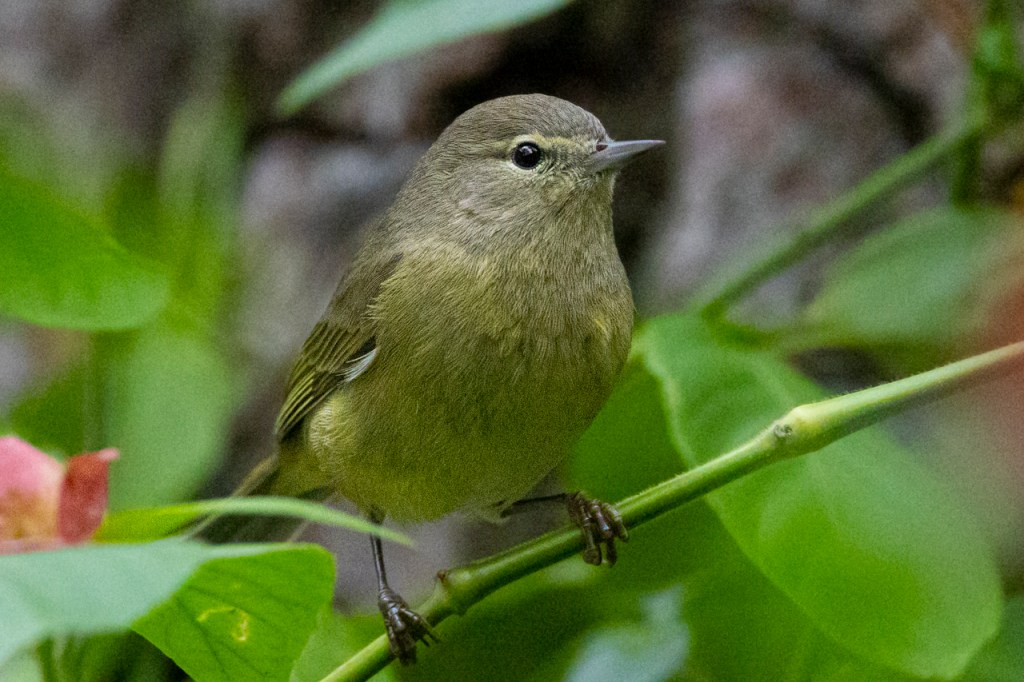
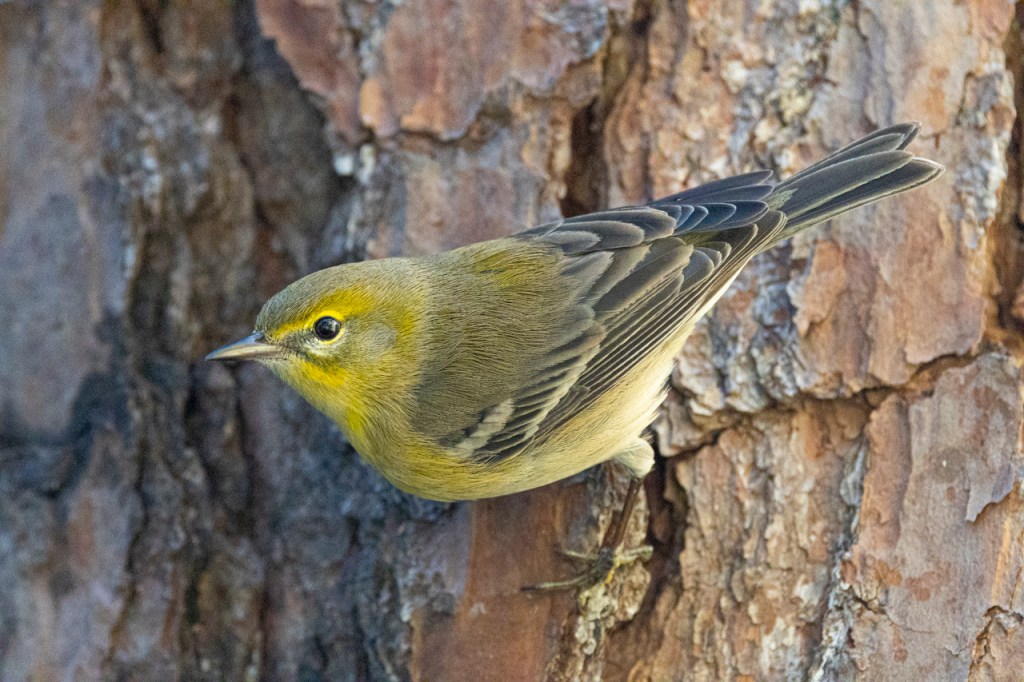

Pine warbler photographed at 25,600ISO. Enlarged to 100%. Nice feather detail.
High ISO in low light is grainy. There’s no getting around it. The grain in a high ISO photo is no worse with a R6 MarkII than with an R5 or R3. To my eye, each camera is about the same. The files are usable to illustrate the bird while still retaining nice feather detail.
Low ISO and good light is always better, though.
Auto Focus
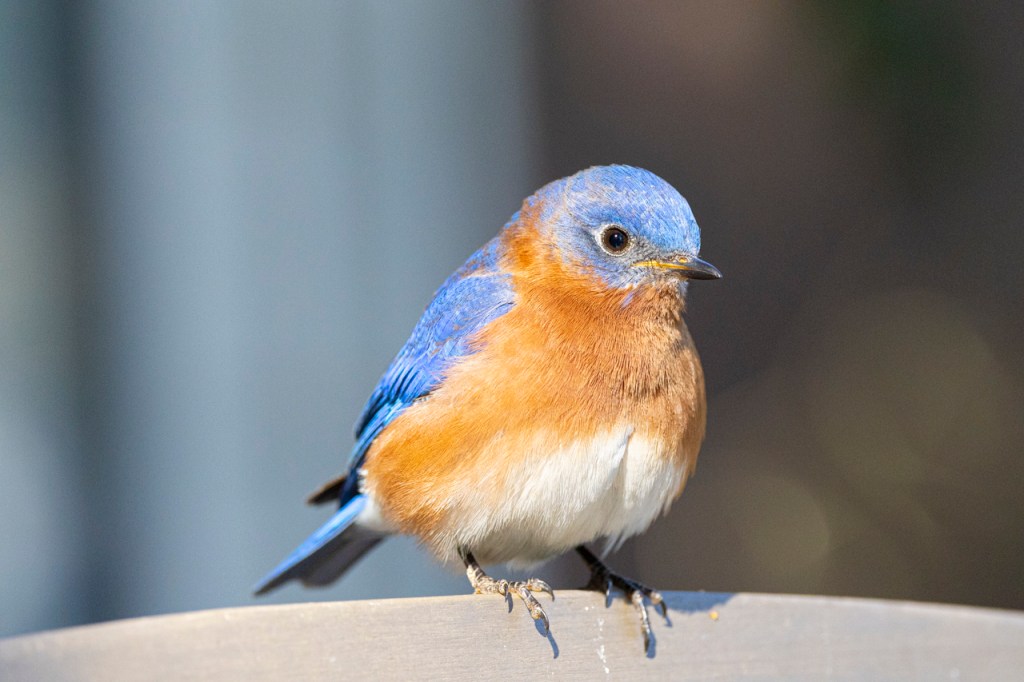
I’ve used the Canon R6 Mark II on three outings of an hour each. In each test, the camera locked on the bird quickly. Then it never lost focus once it got on the bird.
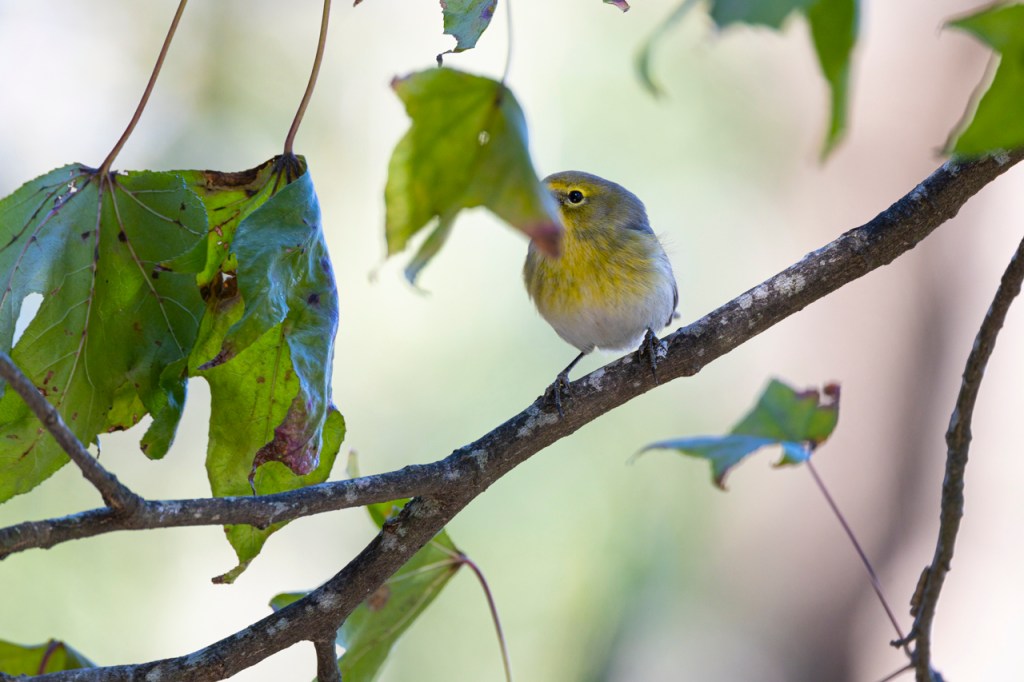
The auto focus stayed on the pine warbler’s eye even when the bird moved behind the leaf.


The camera found a small bird. The camera found the bird on perch.
In only one instance did the camera change auto focus to a distant background.
The auto focus was quick, stayed on the bird’s eye, and adjusted as the bird moved.
I haven’t had a chance to use the Canon R6 Mark II on flying bird, yet. Stayed tuned for that test.
Conclusion
So far, I’m impressed. The Canon R6 Mark II handles high ISO well and the auto focus is outstanding. I thought I’d find something lacking but this camera is living up to my expectations.
Thanks for reading. Let me know if you have any questions or comments.

 Kathy Adams Clark
I have followed your settings for the canon EOS R7. do you have a tutorial/or what do you recommend for downloading, converting and processing images?
LikeLike
Thanks for the comment, Kathy. I have YouTube tutorials on my YouTube channel. https://www.youtube.com/c/KathyAdamsClark?app=desktop I also offer an online class on the Adobe products such as Lightroom and Adobe Camera Raw. The next class is July 26th. Register at: http://www.kathyadamsclark.com/photo_classes.html
LikeLike
thank you so much! I will also look at the classes.
LikeLike
Thanks!
LikeLike
Dear Kathy, I have gone step by step through your menu settings and find that one in particular ( pink menu #1 – which is AF operation) only has a choice of MF on my camera. Can’t find how to change that so I can choose Servo. Can you help? And thank you so much for your settings – makes it so much easier, (I hope) to finally get this going. Kathy K,
LikeLike
Kathy, if your lens is set to MF then there’s only one option. Make sure you lens is set to AF. Then you can select Servo.
LikeLike
Servo is the setting you want for your auto focus.
LikeLike
I hadn’t put the lens on yet. So I guess you have to have a lens on before you can do this? And thank you.
LikeLike
Hello! I have been using your settings for a few months now for the R7 and recently the menu for focus settings seems stuck on one setting and I can’t fix it. if I unintentionally pushed something I have no idea. Everthing is set at AF on camera and lens, so can’t figure this out. Any ideas? Thank you.Kathy Kunce
LikeLike
Thanks for reaching out, Kathy. Do you mean the menu along the bottom of the viewfinder where you have large zone to one spot for auto focus? If so, you might have turned something off in Custom Setting. That’s the orange/golden menu. There’s a place where you can ask not to see all the different focus options. Let me know if that helps. If not, email me and I’ll try to help in more detail.
LikeLike
thanks for the info. what I did in the meantime was revert to default settings and install all the settings again. It worked!
LikeLike
Super! That works every time and is often the best solution. Easier than trying to find a tiny error somewhere.
LikeLike