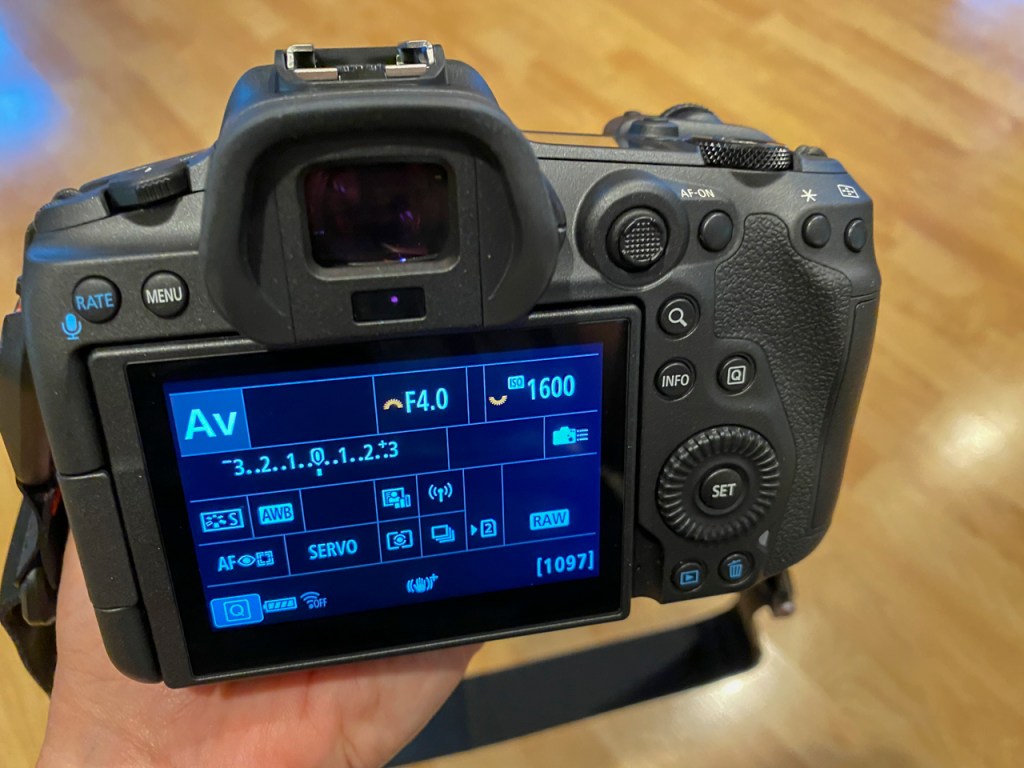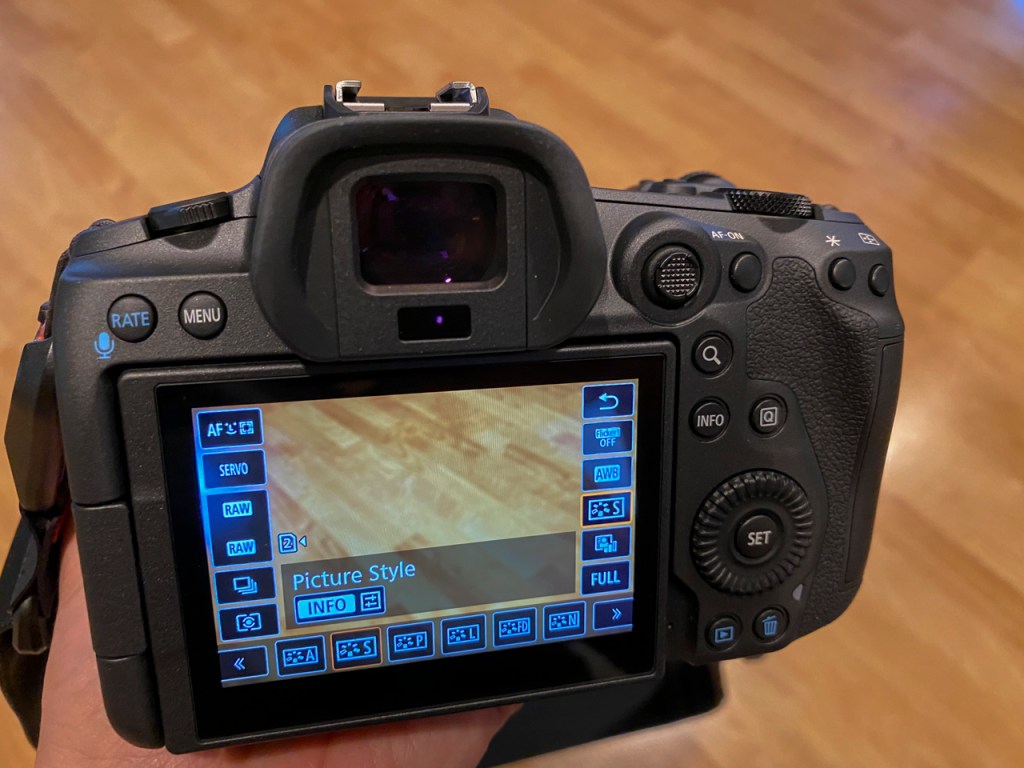
Auto Focus Method Explained

The new mirrorless cameras give us so many options. I’m using the Canon R5 but the following will apply to Nikon, Sony, Olympus, and Fuji. The key is to experiment and learn from your mistakes and triumphs.

I used 1-point AF on my DSLR cameras most of the time. I’d move that one point around the screen with lightening speed — a skill I developed over many years of practice.
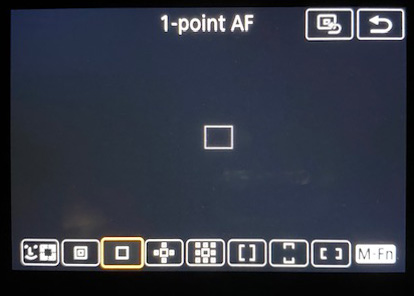
1-point AF has its place in our photography toolkit.

After working with the R5 for four months, I’ve found that the 1-point AF has its place.
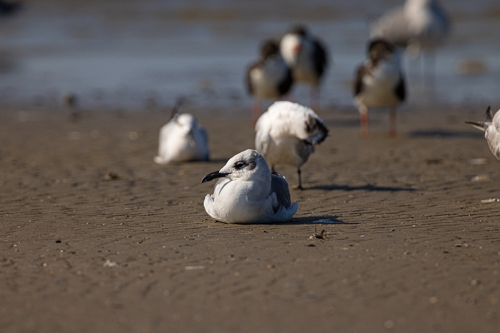
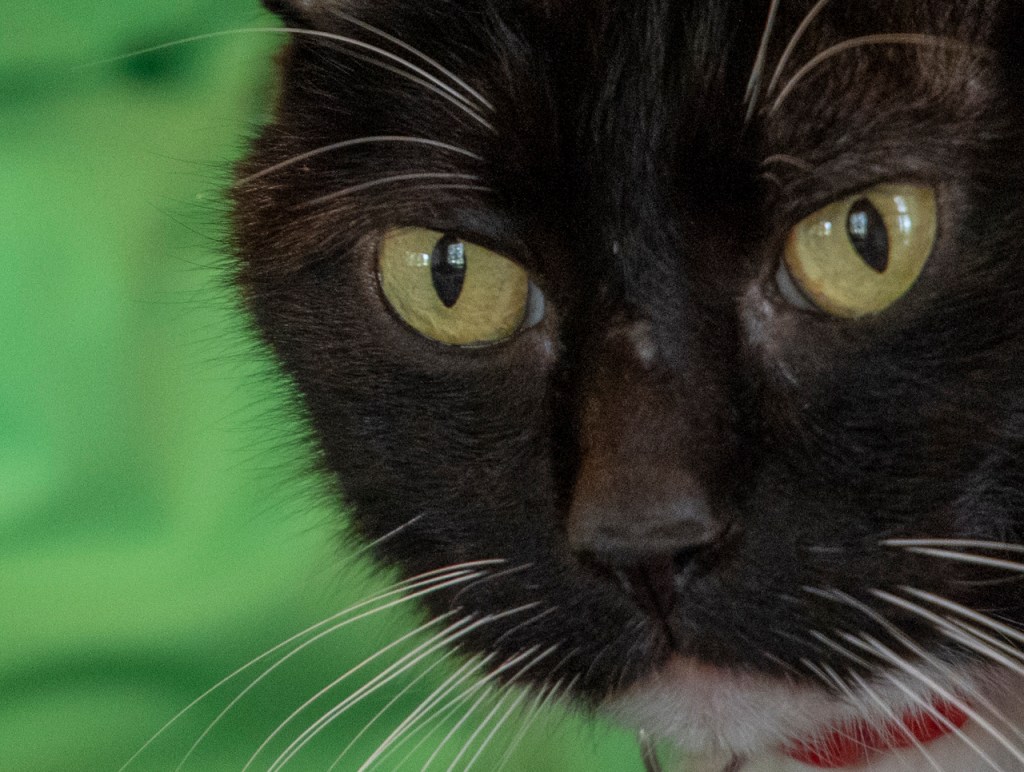
Eye tracking is amazing. We’ve had this technology on cheap point-and-shoot cameras for years and even on cellphone cameras. The engineers at Canon have really hit a homerun with Animal Eye tracking. I hear Olympus has done well in this arena, too.

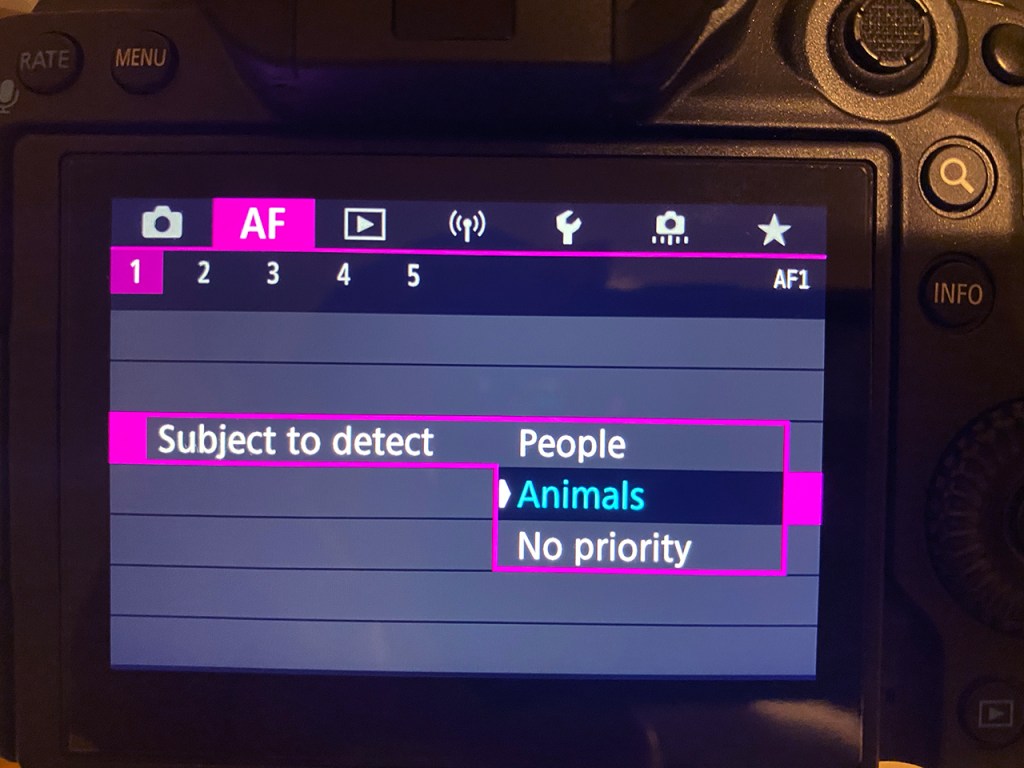
Use your Menu setting to tell the camera to look for human eyes or animals eyes, by the way. Canon puts this in the pink menus.

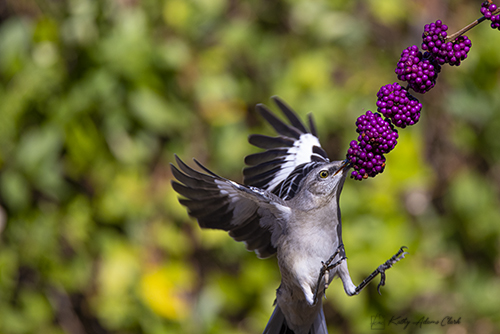
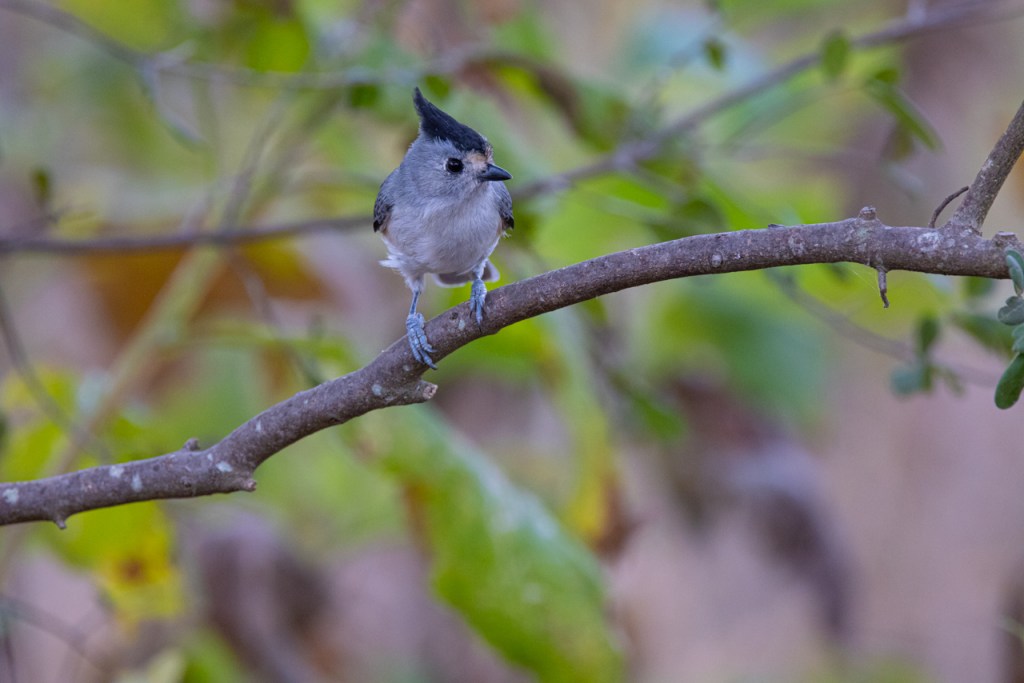
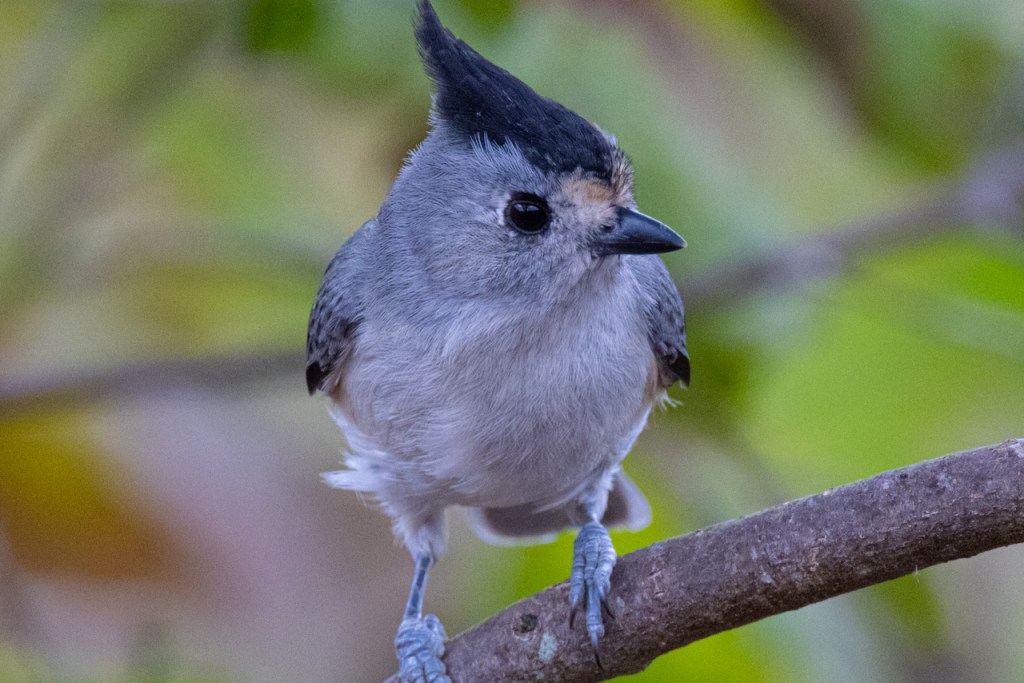
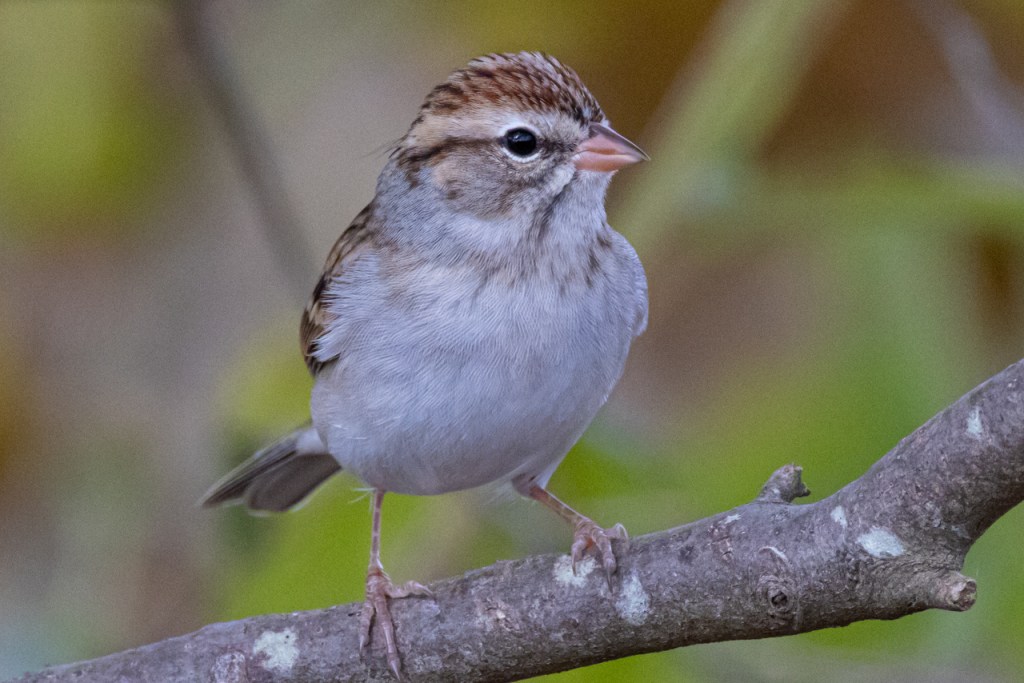
The Animal Eye AF will get confused, though. The camera kept trying to focus on the berries versus the bird.

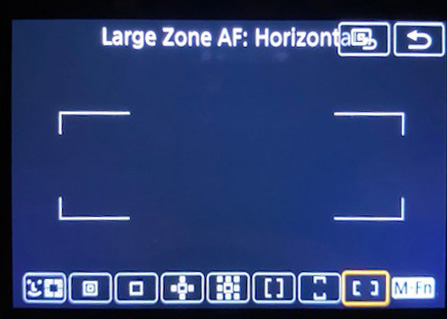
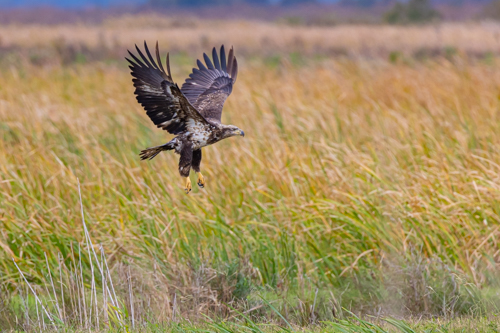
Large Zone AF: Horizontal has been great for flying birds.

Large Zone AF helped me stay with this immature bald eagle as it lifted off out of the marsh.

I’ve worked with Canon R5 for several months under a variety of different situations. I’m changing Focus Methods now depending on the circumstances. My old skill at moving one focus point around on my DSLR has now morphed into changing my Focus Method.

  1. Approaching a bird with a defined eye in clutter — switch to Animal Eye AF
  2. Approaching a duck that’s about to take off — switch to Large Zone AF
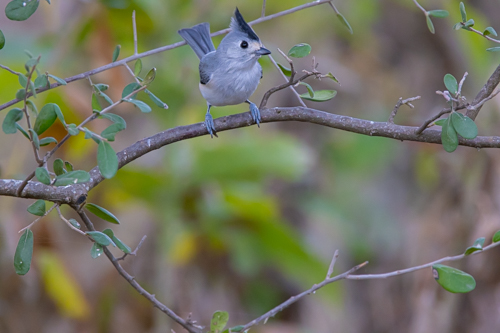
  3. Trying to photograph a small bird in the brush — switch to 1-point AF
  4. Flying hawk overhead — switch to a small cluster

These focus options give us lots more tools in the toolbox. Take some time to practice and develop your skills.

Questions? Feel free to post below. Thanks for reading.

Christmas Star is Simply a Pinpoint Star

Photographing the December 21st “Christmas Star” or conjunction of Jupiter and Saturn is simple pinpoint star photography. Settings on your camera are the same as you’d use when photographing any pinpoint stars.

I’m planning on the 24-105mm lens at 105mm because I’d like a little foreground but enough magnification to get the .  I’ll have my bigger lens just in case.  That would be my 100-500mm. 

I’ll use a wide open aperture of f/4 or f/2.8.  At 105mm the shutter speed would be 4 seconds.    At 400mm it would be a 1 second shutter speed. 

Compose the scene and focus on infinity or the planets if your camera will do that. Turn off auto focus and image stabilization.

Put the camera in the manual exposure mode. Set f/stop to wide open, set shutter speed based on the formula below, and raise the ISO to balance the light meter.

The shutter speed depends on the lens you use.  The formula is  500/mm of the lens.  Cropped sensor is 500/(mm of lens X crop factor).  Do the math but remember to do the math inside the parentheses first.

Camera has to be on a tripod, of course. A shutter release helps get a steady shot.

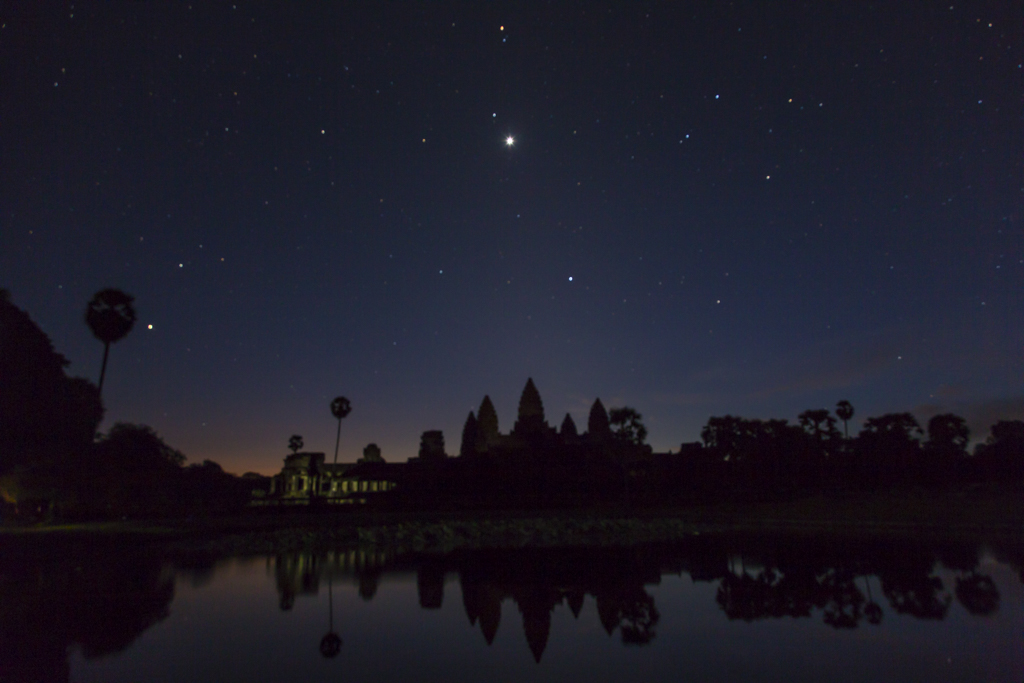
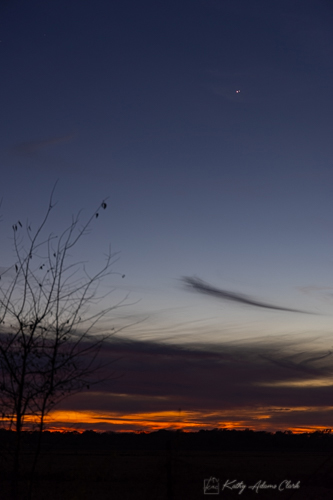
Venus, Mars, and Jupiter over Angkor Wat in Cambodia at sunrise.

Canon R5 Mirrorless — Noise

The previous post ended with a question from Patti asking about noise when using high ISO and shadow recovery.

I can honestly say that the noise is not that bad.

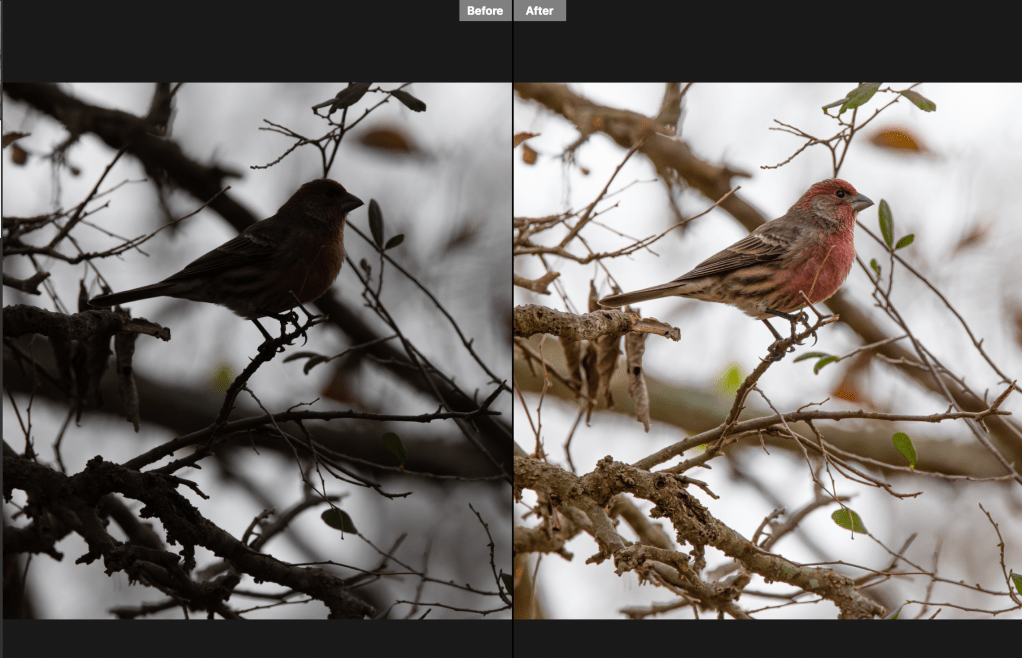
Here’s a before and after photo. (On Left) ISO 500 and very unexposed. (On Right) Basic processing with shadow slider moved to +88 and exposure slider moved to +1.25.

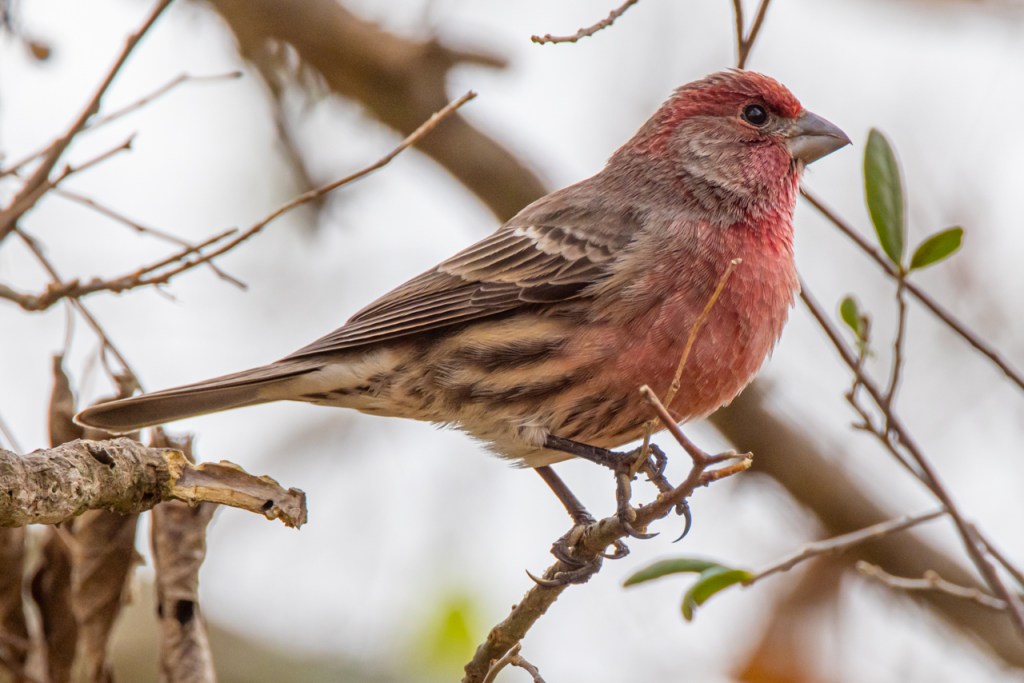
Below the photo is enlarged to 100% and cropped. I moved the exposure slider a bit more and then hit it with a bit of noise reduction in Adobe Camera Raw.

The noise doesn’t look too bad despite high ISO and pulling the exposure.

The Canon R5 files are pretty amazing.

Canon R5 Mirrorless — Noise at High ISO

Someone today asked how the Canon R5 handles high ISO. I happened to shoot in the same place on different days with the Canon 1DX Mark II and the Canon R5.

Let’s see how they compare in the high ISO area.

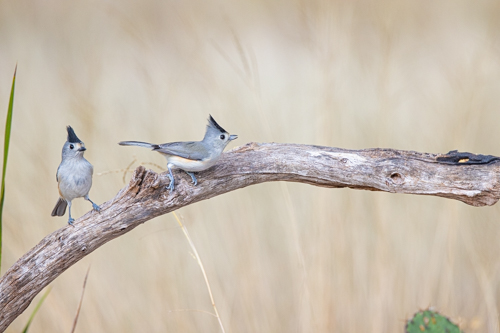
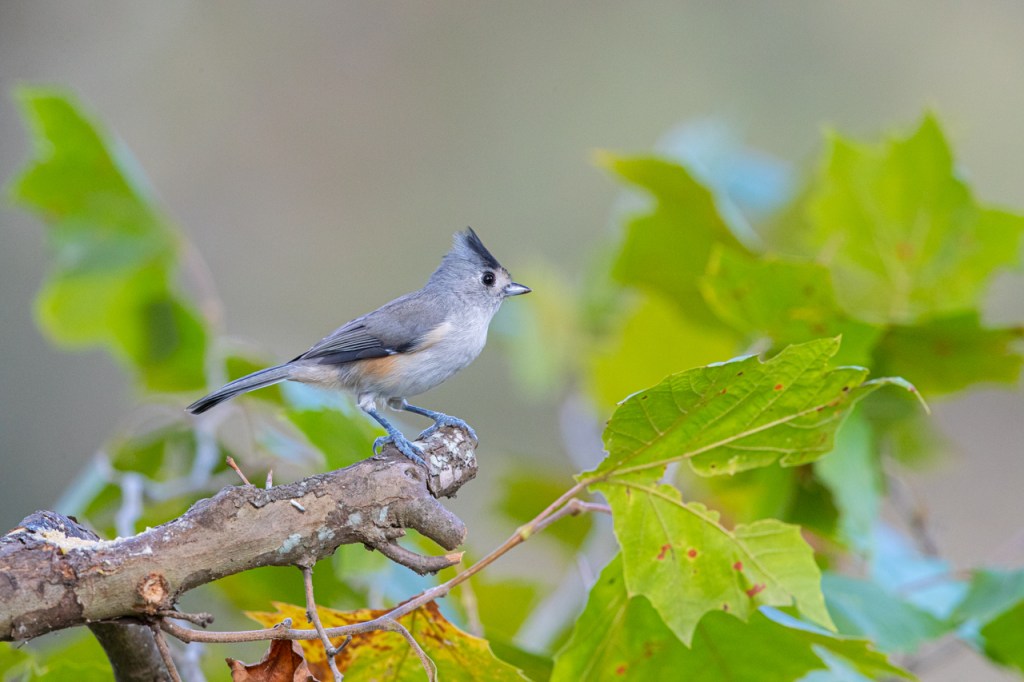
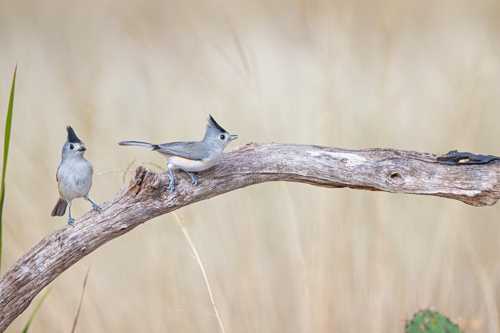
Black-crested titmouse ISO 2500 with the Canon 1DX
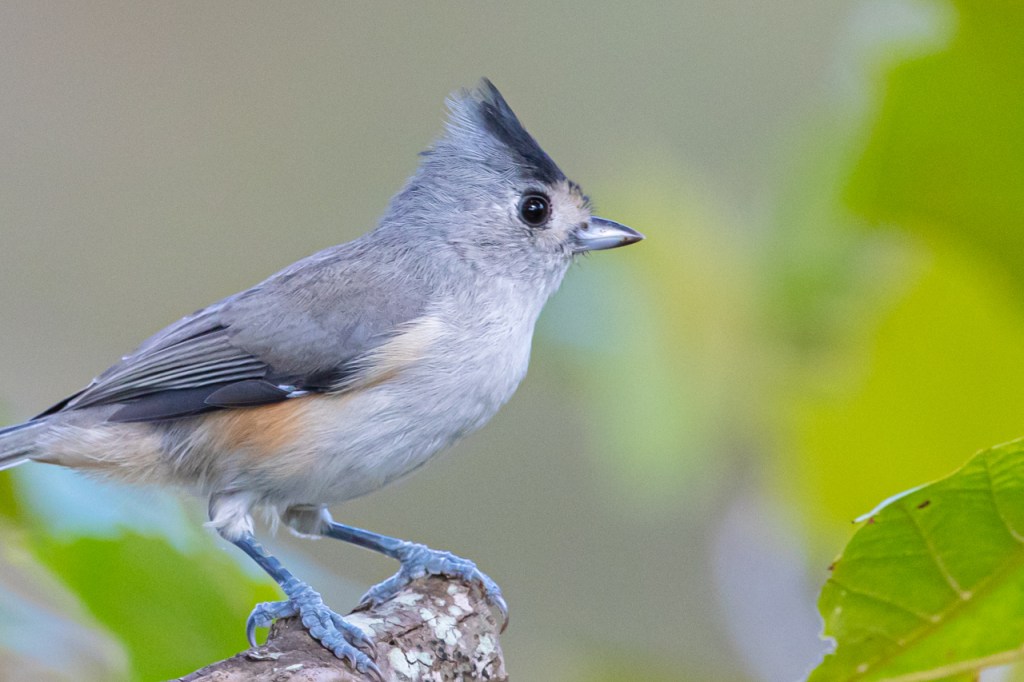
Black-crested titmouse ISO 2500 with the Canon 1Dx at 100%
Black-crested titmouse ISO 4000 with the Canon R5
Black-crested titmouse, ISO 4000 with the Canon R5 at 100%

I’m not seeing much different. In my opinion, the Canon R5 handles high ISO as well as the Canon 1DX Mark II.

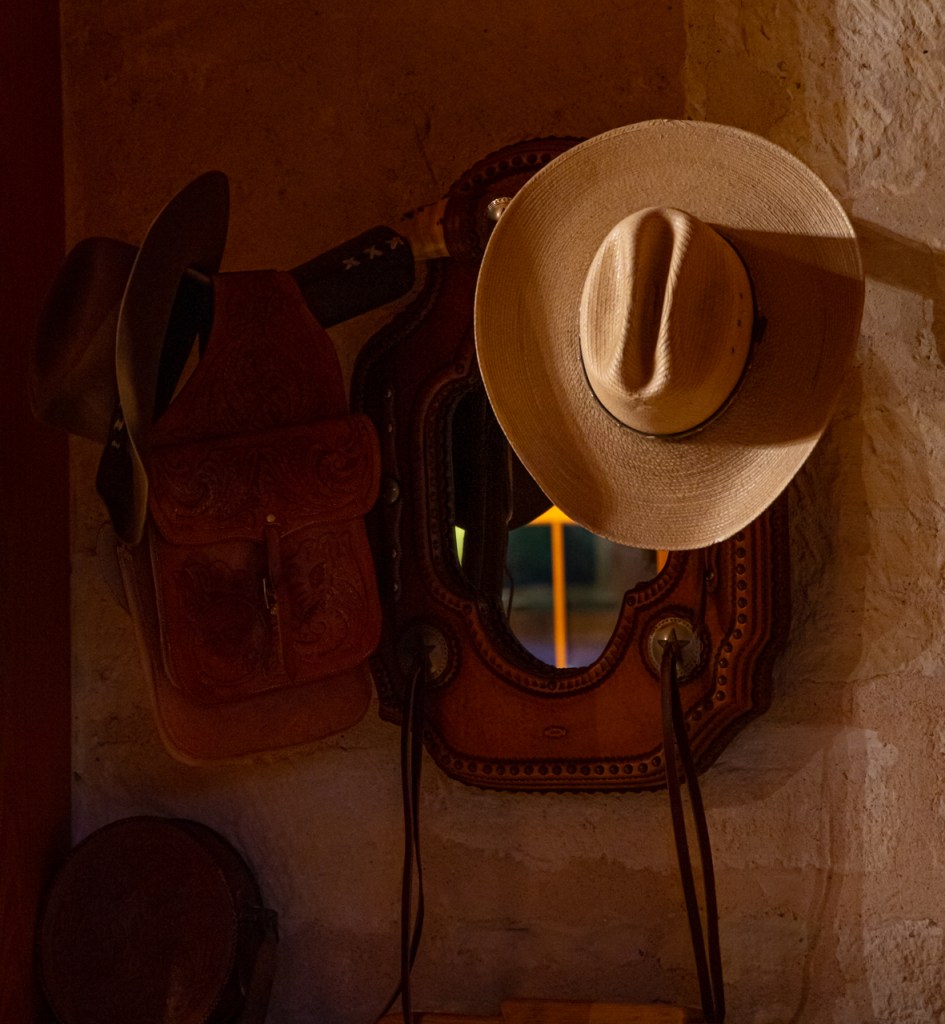
Cowboy hat, still life, ISO 12,800

Canon R5 — Autofocus Settings — Face Tracking with Eye Detect

Canon R5 auto focus method is on face tracking and Eye Detection enabled
Canon R5 auto focus method is on Face Tracking for animals.
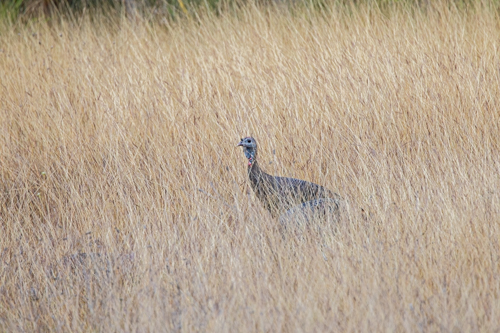
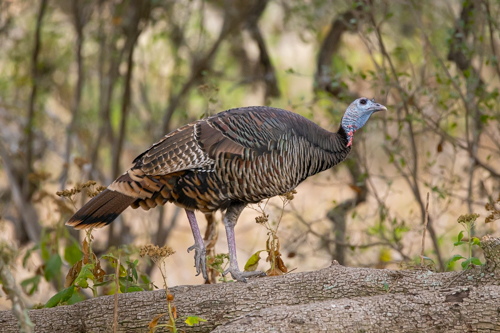
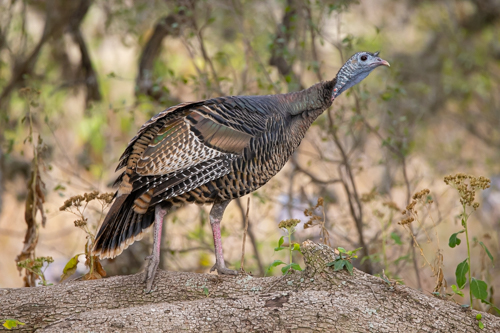
Wild turkey in a grassy field in the Texas Hill Country. With my Canon 1DX, I would have used one focus point and moved it to the turkey’s face. With the Canon R5, I simply switch to Animal Face and Eye Detection and the camera locks on to the turkey’s eye.
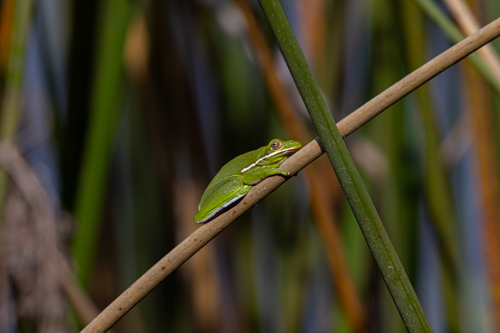
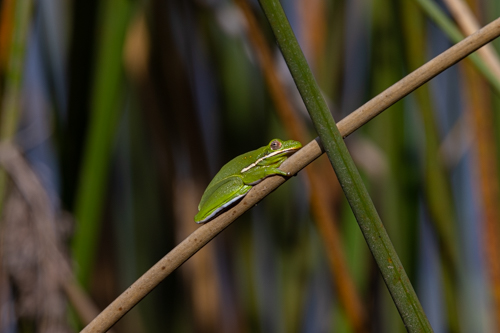
This green tree frog was deep in the reeds. I switched to Animal Face and Eye Detect and the camera locked on immediately.
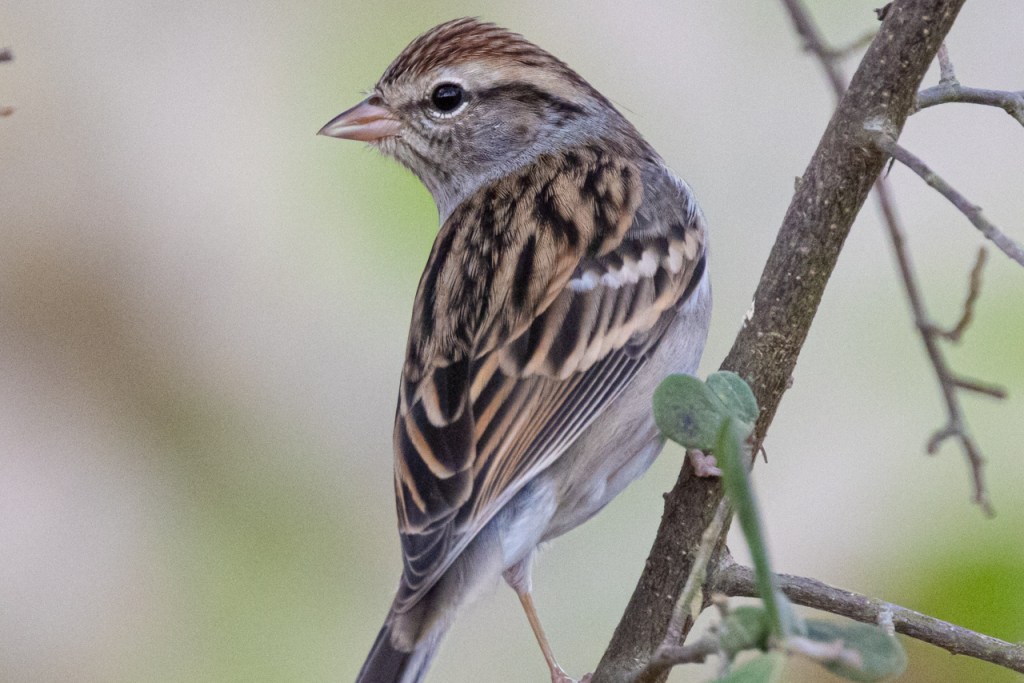
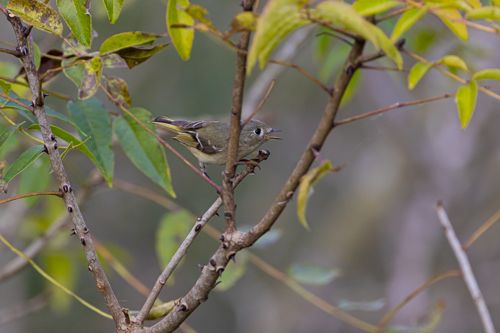
Ruby-crowned kinglet is a hyper-active little bird. It was deep in the brush, so I moved to Animal Face and Eye Detection then the Canon R5 found the bird.
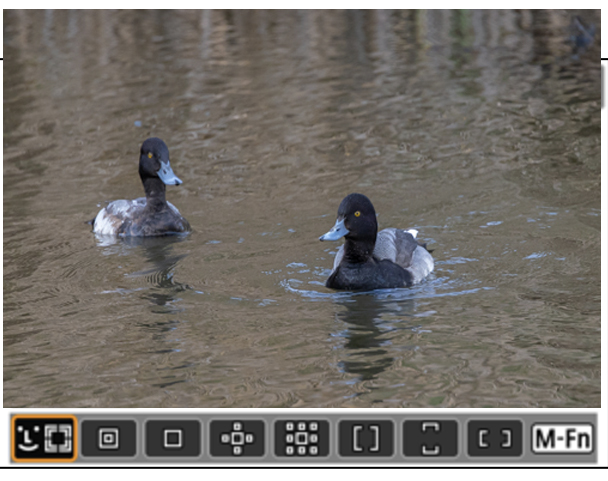
Lesser scaup with the eye detection on the male on the right.
This is what we see through the viewfinder as the focus method is changed.

An Update on Brazil’s Pantanal

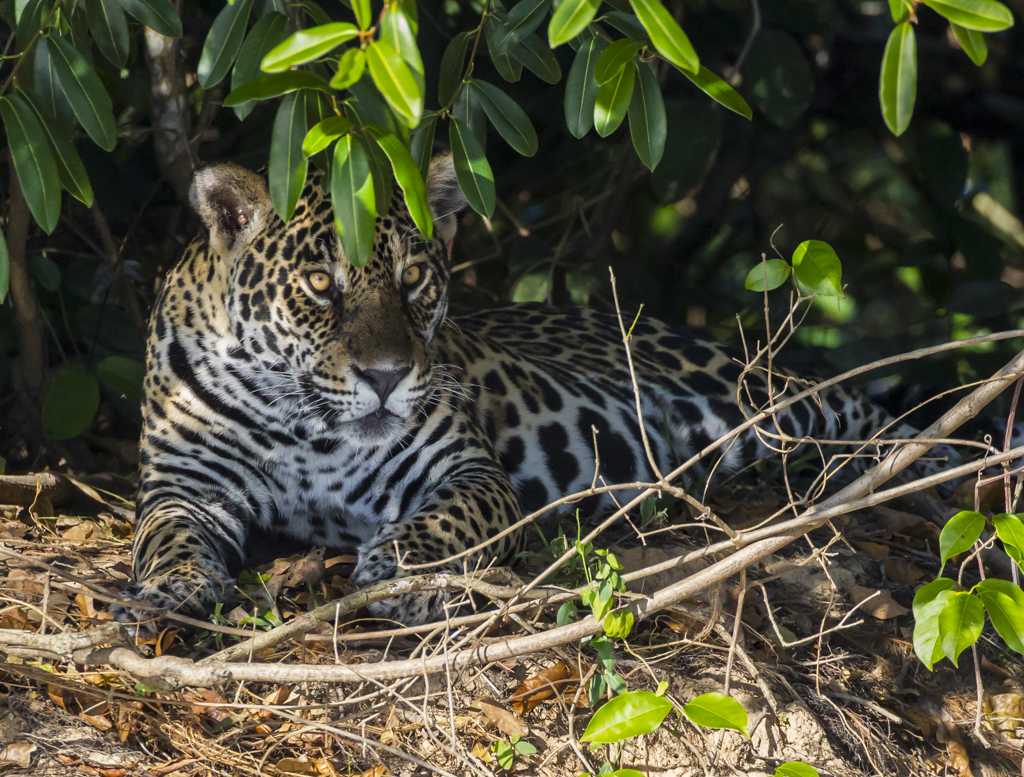
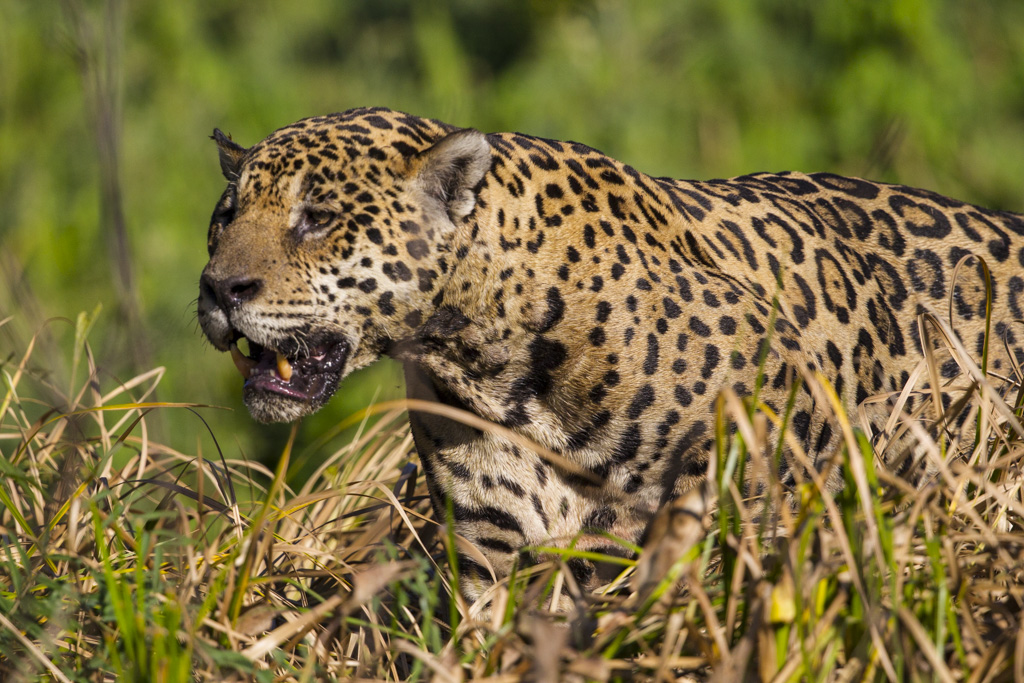
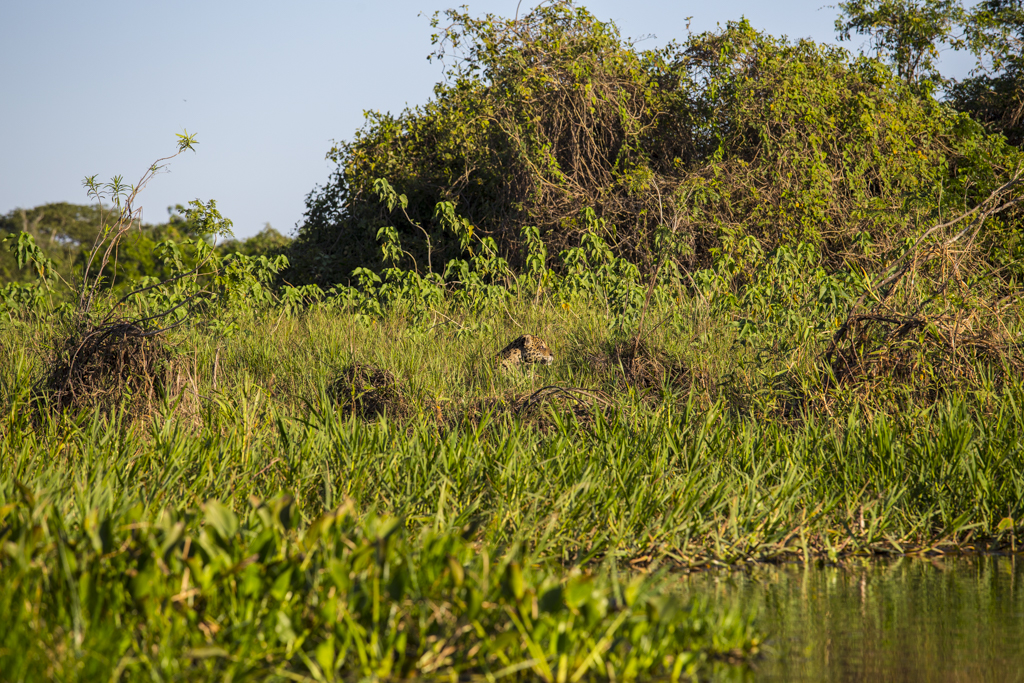
Young female jaguar in Pantanal.

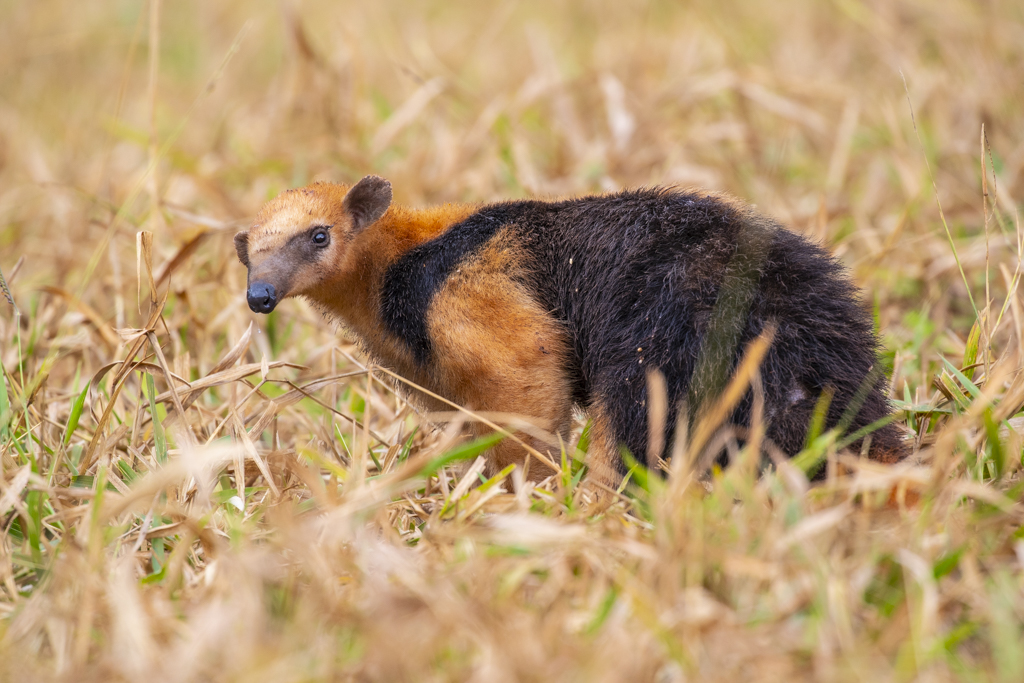
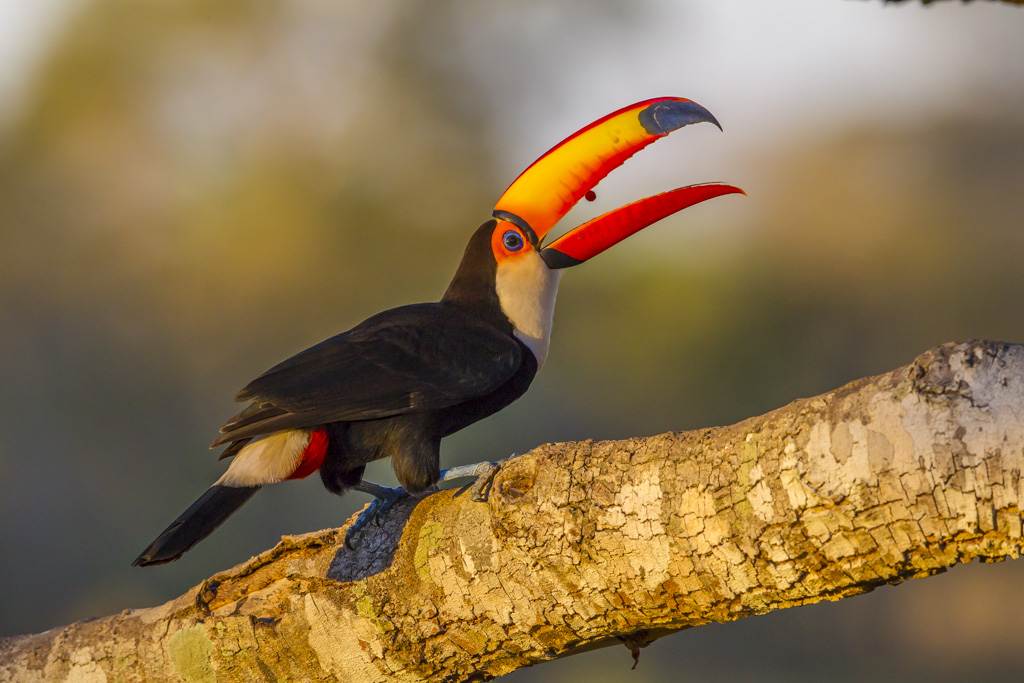
I’ve traveled to the Brazil’s Pantanal region several times to photograph jaguars, Toco toucans, giant anteaters, and other amazing wildlife. This part of the world reminds me to Tanzania. There’s wildlife at every turn and the photo opportunities are amazing.

During the summer of 2020 we started seeing news reports in the US about the horrible fires in the Pantanal. One especially heartbreaking photo showed a jaguar rescued from the flames in a rehab facility with bandaged paws.

Fellow photographers were sending me links to news reports. So I thought I’d send an email to Charles Munn, founder and owner of SouthWild. SouthWild is the tour company Strabo Photo Tour Collections uses to coordinate all my trips to Pantanal.

Here’s the update Charles Munn sent about the Pantanal:

The pantanal is half the size of California.
It is and always has been a fire-adapted ecosystem, designed to have periodic dry season fires, originally set by lightning prior to humans arriving 12,000 years ago, and then set every year or two or five by humans.
The plants and animals evolved with periodic, widespread fires, for perhaps 100,000 years.
The Pantanal had a longer, drier dry season this year than any time in the last 47 years.  The extra dry year and the fires set by some ranchers here and there have caused about 25% of the Pantanal to burn.  By early October, the fires were done and the first rains have started, thankfully.
“A report from 3 weeks ago from two naturalist guides at different times in different boats ..(the guides who have guided for SouthWild) said that they racked up 18 good Jaguar sightings in a week. That is a high or extra high number of sightings.   Yet another colleague had 11 Jaguar sightings in 2 days.  All of these Jaguar results involved NO assistance from radio calls from other boats, because the pandemic has reduced boats in Jaguarland to the point where there is no radio system this season.
There was a lot of fire in the heart of Jaguarland in August and September, but it is done now, and all of these Jaguar reports have come from AFTER the fires were over.
None of our lodges in the Pantanal has had its birding trails or lodges affected by the fires. There were some fires near SWP lodge, but the fire was kept out of the forests that we use for birding.
As tragic as the fires have been, they now are done, and it would appear that things will look pretty normal normal next year, that is assuming that rains that have started in Oct will intensify in Nov and continue for the normal rainy months of Dec, Jan, Feb, March.

Charles Munn

“One more detail I should make clear:
Most of Pantanal is …seasonally flooded (and then seasonally dried out) grasses..
not forest
for decades, perhaps millennia, the Three Brothers River in the heart of Jaguarland has a thin ribbon of forest along 80% of the riverbank, and just grasses along the remaining 20%.
where there is forest along the riverbank, it averages only 20 meters wide….almost nothing…..
and in many places it is only 10 meters wide
and then all the rest of the habitat behind this narrow gallery forest…for km and km…. is …grass…..
Therefore, the fires were worse this year than in decades, but the Pantanal is designed to survive and bounce back from fire.

Charles Munn

I hope Charles’s information adds to what you’ve read or seen in the US news. My hope is to one day return to the Pantanal and enjoy the fabulous photography and people in that area of the world.

My Photos From Pantanal if you’d like to take a look.

Canon R5 Mirrorless — Focus Stacking

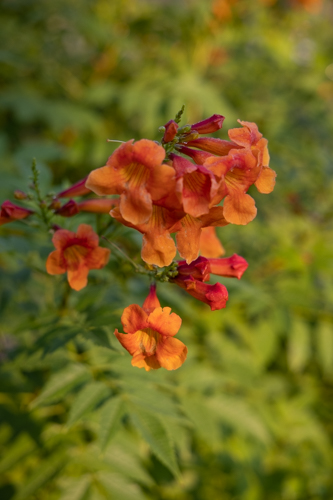
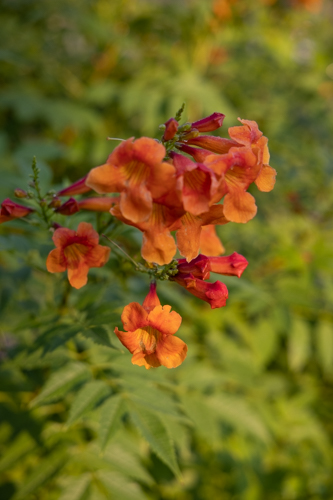
Here’s another test of the Canon R5’s focus stacking. My more detailed post on Focus Stacking for Focus Bracketing can be found here.
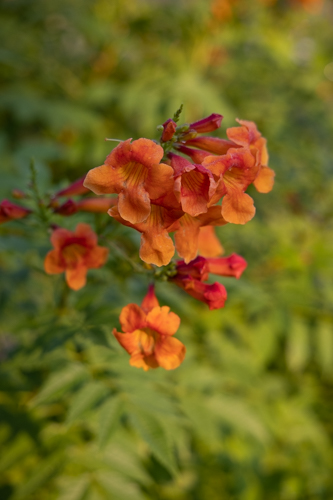
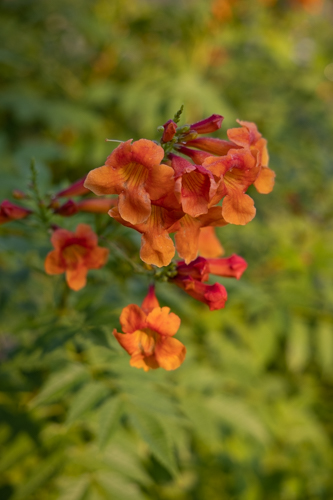
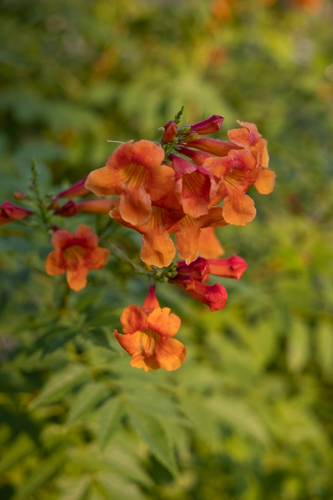
Blend of 10 images merged together in Photoshop to get the entire set of blooms in focus.

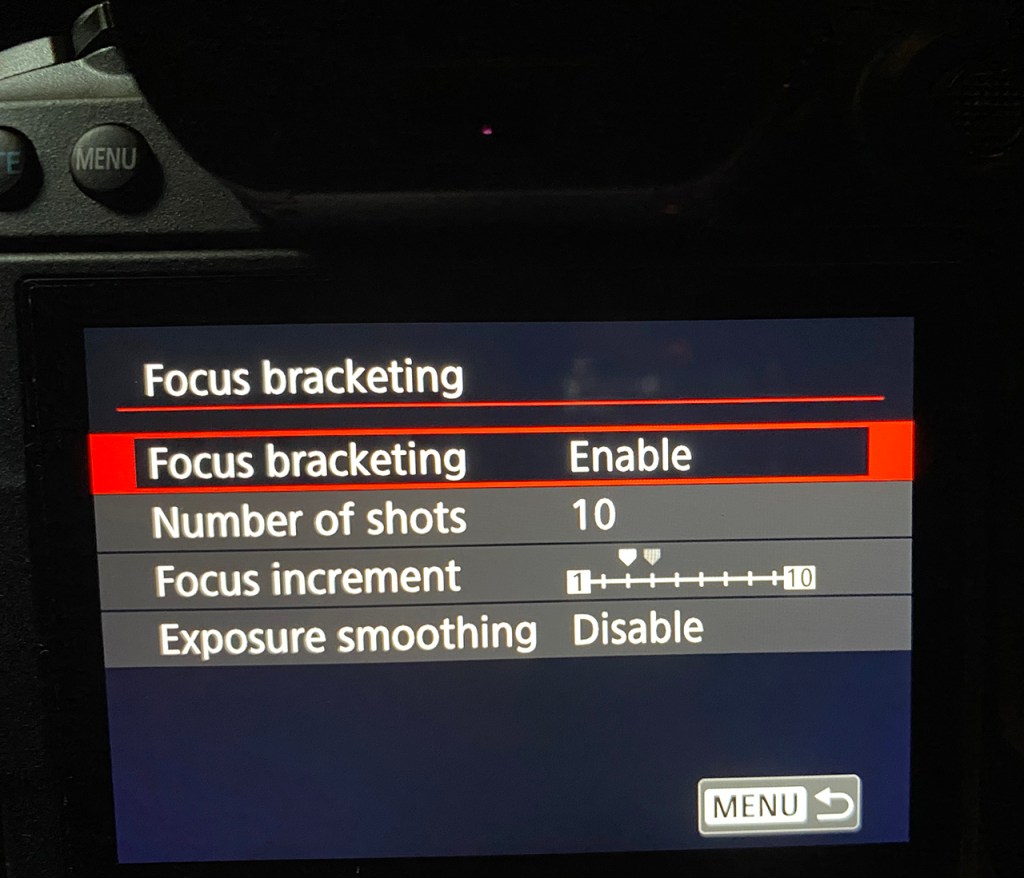
Here’s a view of my menu setting for this series of photos.

Canon, Olympus, and other mirrorless systems have focus stacking. Here’s my review of focus stacking using Olympus.
So far, the Canon R5 has impressed me with its focus bracketing. I can’t wait to get out and work with it on different subjects.
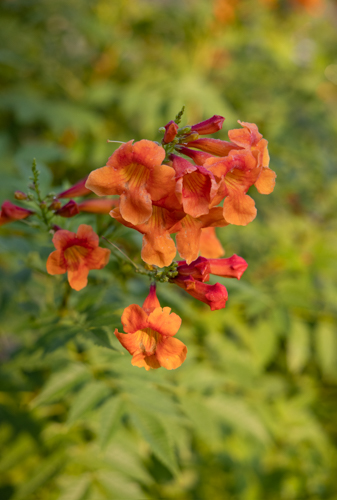
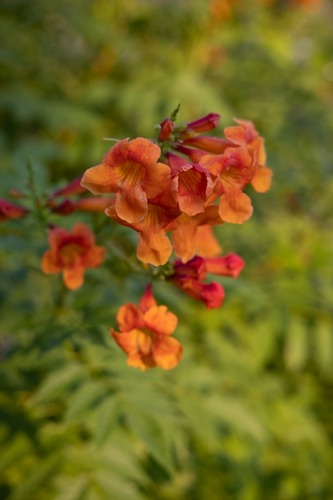
Have you worked with Focus Stacking or Focus Bracketing on your camera? Results? I’d love to hear from you.

Canon R5 Mirrorless — Focus Stacking or Bracketing

Photographers have fought against depth-of-field since the beginning. To get more depth of field, we have to use a smaller aperture and that means a slower shutter speed. It’s just the way photography works.

For years, we’ve been able to take photos of a subject, focus in different places, and then blend those photos later to increase our depth-of-field. Then about 10 years ago camera manufacturers started putting focus stacking in the camera. Today, Canon calls it focus bracketing in the Canon R5.

To activate focus bracketing on the R5, go to Shooting Menu 5. The menu then offers options such as how many photos to take and how far to focus into the scene.

A little icon shows on the shooting screen while Focus Bracketing is active. Push the shutter button and the camera rapidly fires a series of photos. It doesn’t blend the photos in camera but provides the RAW files for blending later. I use Photoshop to do my blending. (Instructions are below.)

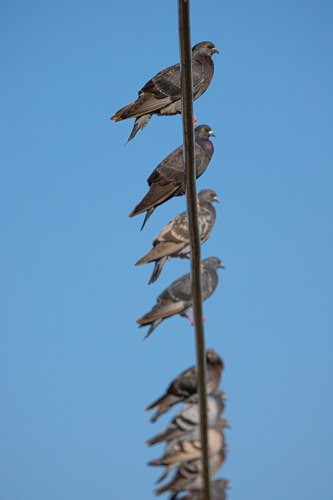
Notice the tiny imperfections in the photo on the left. Look closely at the tails. See the little blue highlights? That’s where the birds moved their tails. Focus bracketing doesn’t work well on moving subjects.

My instructions for blending a focus bracket (1) Open all the photos in Photoshop in a Layer. In Bridge, highlight the photos then select Tools>Photoshop>Load Files into Photoshop Layers. In Lightroom, highlight the photos then select Photo>Edit In>Open in Layers in Photoshop; (2) Select all the photos once they are in the Layers Pallette; (3) Select Edit>Auto Align; (4) Select Edit>Auto Blend, (5) Select Layer>Flatten.

I suggest you focus a bit closer than needed for your first photo of the series. That way you get some foreground in focus.

Have you tried focus stacking or focus bracketing? Success?

Canon R5 — First Impression

Canon R5 photo taken at 1/40 of a second shutter speed, f/4, ISO 1600, hand held. See below for 100% enlargement.

A RAW file that is a whooping 51MB to 54MB! That’s huge.

Let Me Concentrate on the Body:

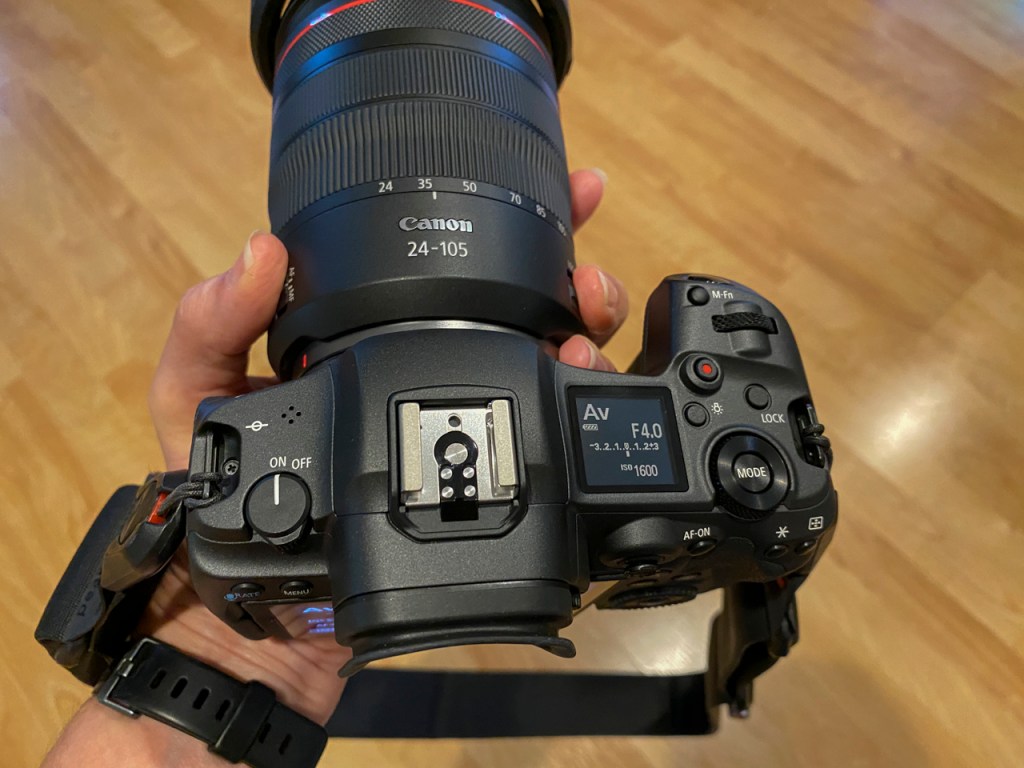
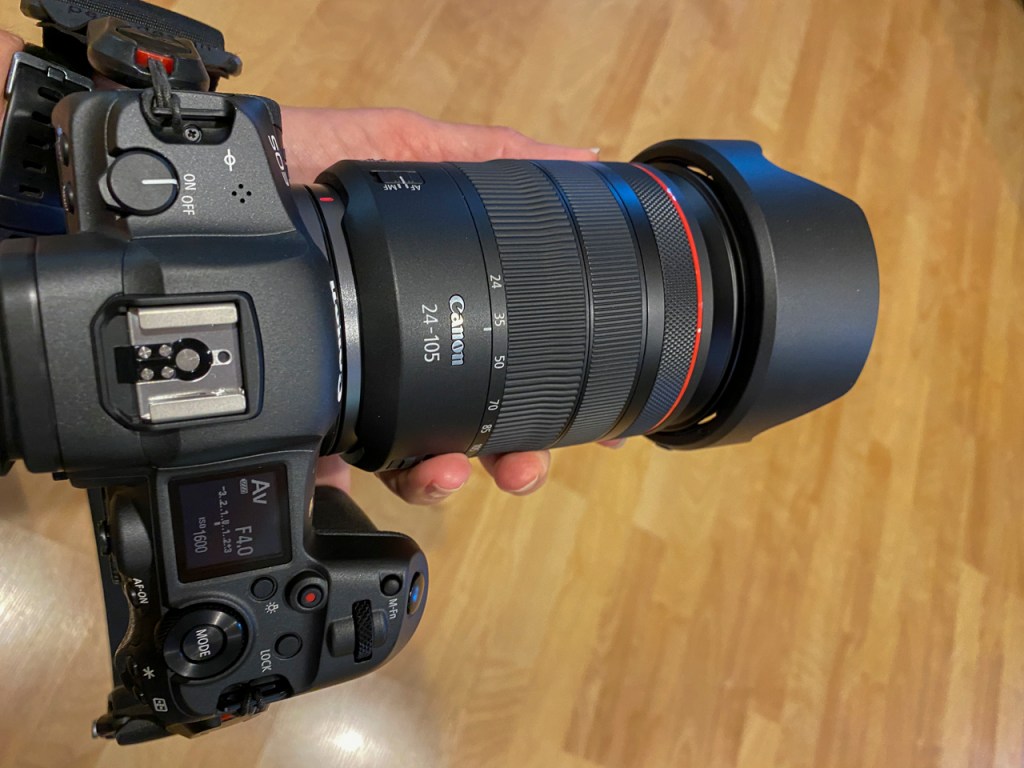
On/Off switch is on the top left. Perfect placement for left thumb activation.

View finder is incredibly bright.

With meter balanced, I love that the viewfinder lightens and darkens as the camera is pointed at lighter and darker areas.

If you are too close to focus on your subject, there are tiny, thin orange lines along each corner of the viewfinder. Those lines turn white when the subject is close enough to focus on.

Focus indicator boxes are blue in Servo and green when the camera is set to One Shot. I don’t often shoot in One Shot but this is a nice visual reminder for those who move between the two auto focus modes.

The icons for front dial or back dial are visible through the viewfinder. These are visible as well on the back of the camera if using live view.

M-Fn button on the top right front just like in the 5D Mark IV. Push the M-Fn button, and you can quickly change ISO, white balance, drive, focus, or exposure compensation. Click the M-Fn button with the tip of your finger, lean the finger over, and rotate the quick dial on the front. Simple to change often used items. All this can be seen through the viewfinder without taking your eye off the subject.

M-Fn button and other controls on the top of the Canon R5.

ISO is also adjustable with the back Quick Control Dial 2. I loved the ISO button on the 5D Mark IV and the 1DX. It was so easy to access. The adjustment via the Quick Control Dial 2 looks just as easy. Remember, we can also change ISO with M-Fn button.

Menu layout is exactly the same as we’ve seen on Canon cameras from the Rebel to the 5D Mark IV to the D1X. There are 30 menu items plus the green My Menu favorite.

Multi-controller button (little toggle joy stick) on the back is like the one on other Canon cameras. Lots of functions depending on what you’re doing with the camera. Convenient for my thumb on the back of the camera.

The rear focus button is right next to the multi-controller. Ergonomically, this is the right position for my hand.

The top display panel has basic information when shooting. Mode, battery level, f/stop, ISO, shutter speed, ISO are all there on top. Press the Illumination Button, though, and lots of icons appear. One glance and I can see AF mode, drive mode, white balance, release mode, meter mode, picture style, and recording card. Icons, of course, because the space is small but everything I need to know when shooting.

There’s a new “Control Ring” on the front of RF lenses. Rotate it and nothing happens. Rotate it while holding the shutter button half-way down and I can change the exposure compensation. Of course, the Control Ring is customizable.

Control ring on the front of the 24-105mm RF lens

The INFO button on the back of the camera has moved to the right of the rear display screen. Easy to access with your right thumb. Press the INFO button once for classic display screen, press again for live-view screen, press again for live-view with icons, press again for live-view with level and histogram, press again for uncluttered clean screen for live-view.

Classic display screen that’s familiar to those using Canon Rebel, 7D, 5D, and 1D models.

In one of those live-view screens, press the Q button and all the common icons show on the back of the camera for easy changing.

Live view screen with icons accessible by the Q button.

Touch screen on the back of the camera is activated with the Q button, too.

Video is activated with the touch of a button. Push the red button with your shutter finger and video is on. This is a great improvement over the twist lever and push on the Canon 1Dx and the Canon 5D Mark IV.

The R5 has in-body image stabilization. We’ve seen this in other mirrorless cameras but it’s a first most Canon cameras. This means we can hand-hold the camera and shot at lower shutter speeds. See below — I enlarge the file to 100% using 1/40th of a second shutter speed and ISO 1600.

100% enlargement at ISO 1600 and 1/40 shutter speed hand held. Should be grainy and blurry but it’s not.

Thanks to Hunt’s Photo & Video for getting this camera and lens to me. I know equipment is in short supply so my sincere thanks.